Aptoscan is a powerful tool for exploring on-chain activity within the Aptos ecosystem, including transactions, wallets, tokens, and smart contracts. With the vast amount of data available, locating specific information can sometimes be challenging.
To make the experience easier, Aptoscan offers a range of filters that help you narrow down the data and focus on what’s most relevant. In this article, we’ll walk you through each available filter and show you how to use them effectively.
What does the filter icon look like?
You will find a small filter icon next to each column header in every activity tab. Clicking this icon allows you to access the filter options specific to that column.
1. Time Filter
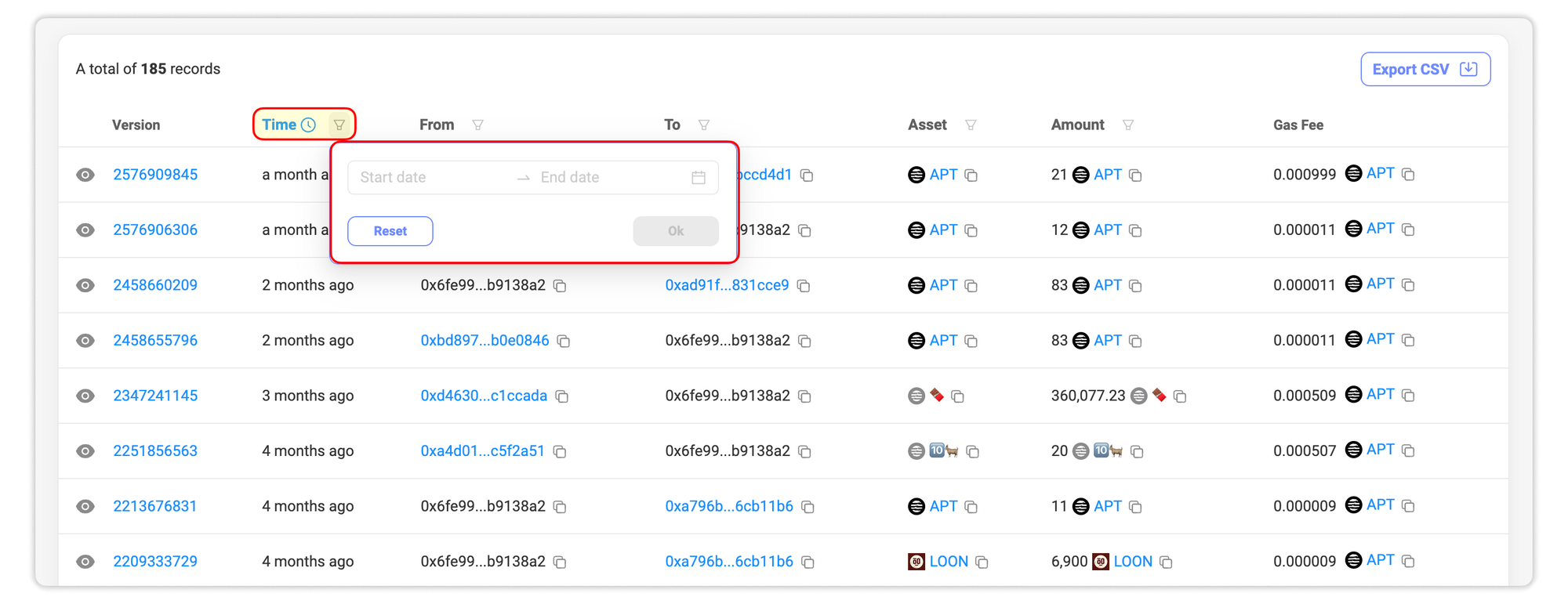
Use the Time filter to view activity within a specific time range. Click the filter icon next to the Time column, then select your desired start and end dates to narrow the results accordingly.
2. Asset Filter
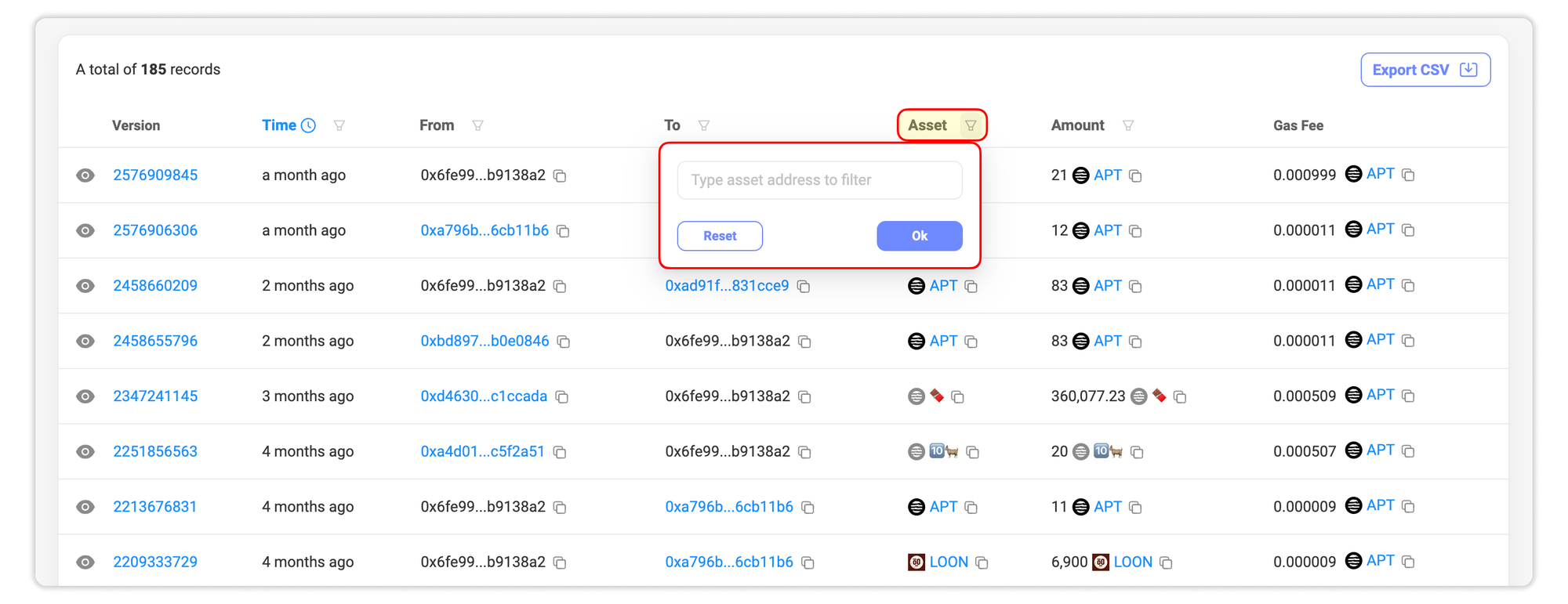
The Asset filter allows you to focus on transactions involving a specific token or coin. Simply paste the token address into the filter, and select the correct match from the list.
3. Amount or Change Amount Filter
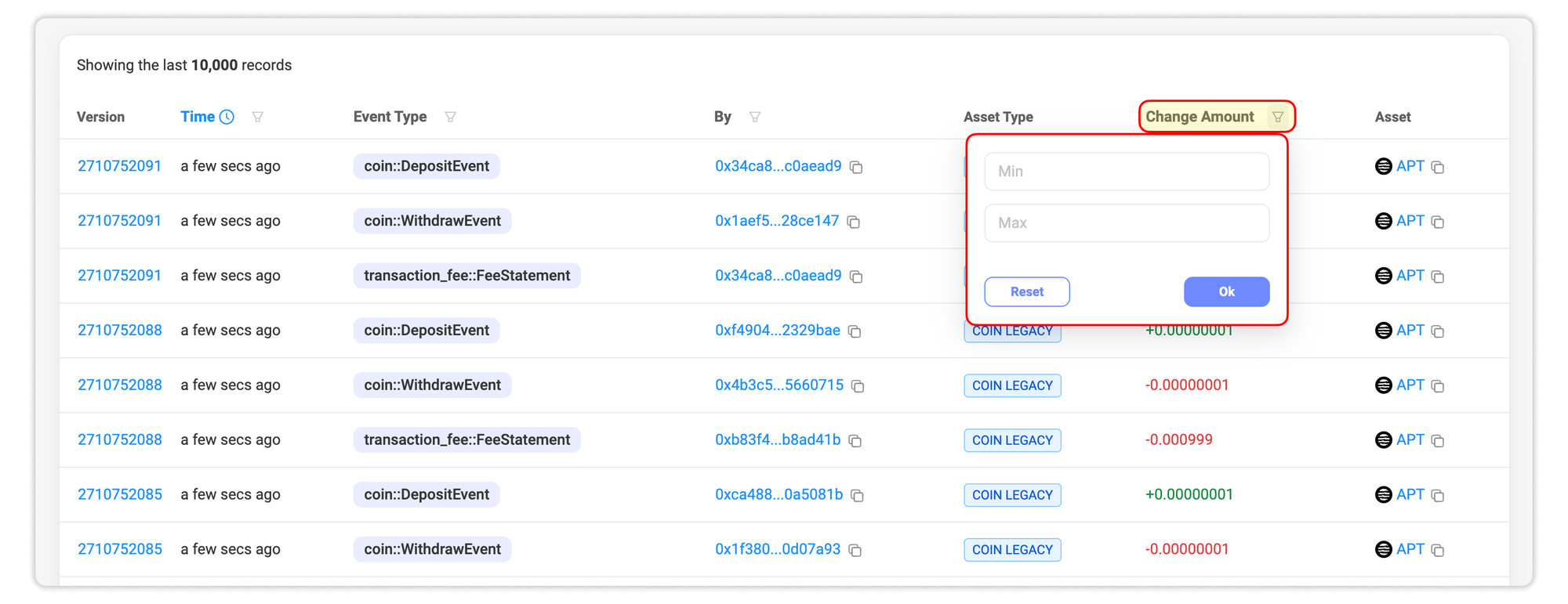
If you're looking to filter by transaction value, the Change Amount filter is the tool for the job. For example, you can exclude transfers below a certain value to focus only on high-value movements.
4. From and To Filters
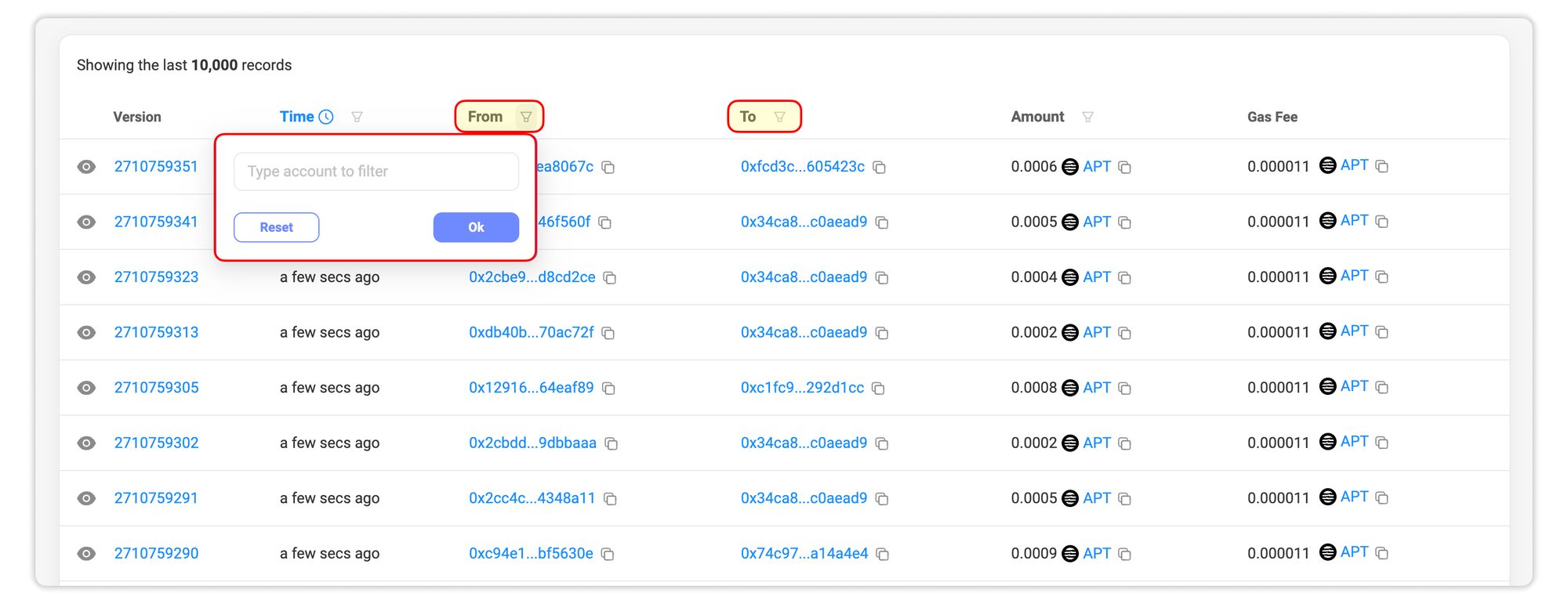
Use the From and To filters to view transactions sent from or received by a specific wallet address. These filters are helpful for tracking wallet activity with precision.
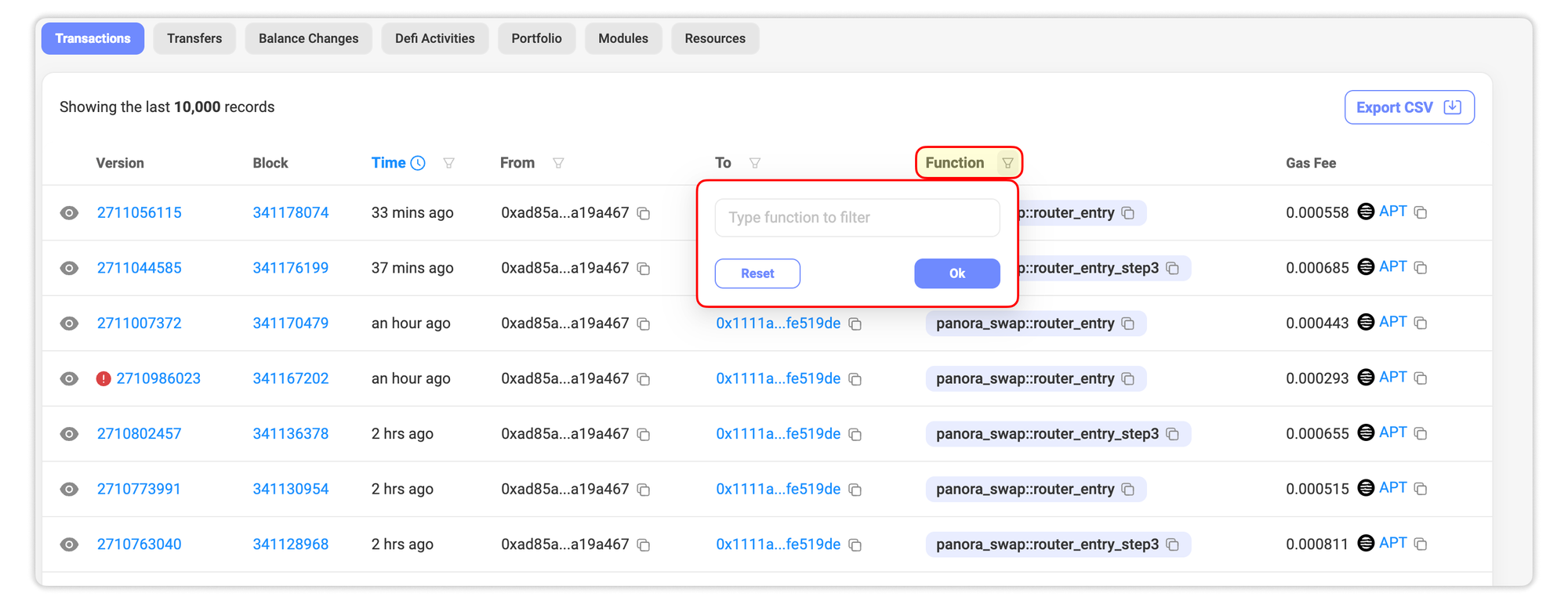
5. Function Filter
The Function filter lets you isolate transactions that interact with a particular module function. Paste the function identifier into the filter and select the relevant result.
6. Event Type or Action Filter
With the Event Type and Action filter, you can sort transactions by action type, such as deposit, withdrawal, transfer, etc. to focus on specific blockchain events.

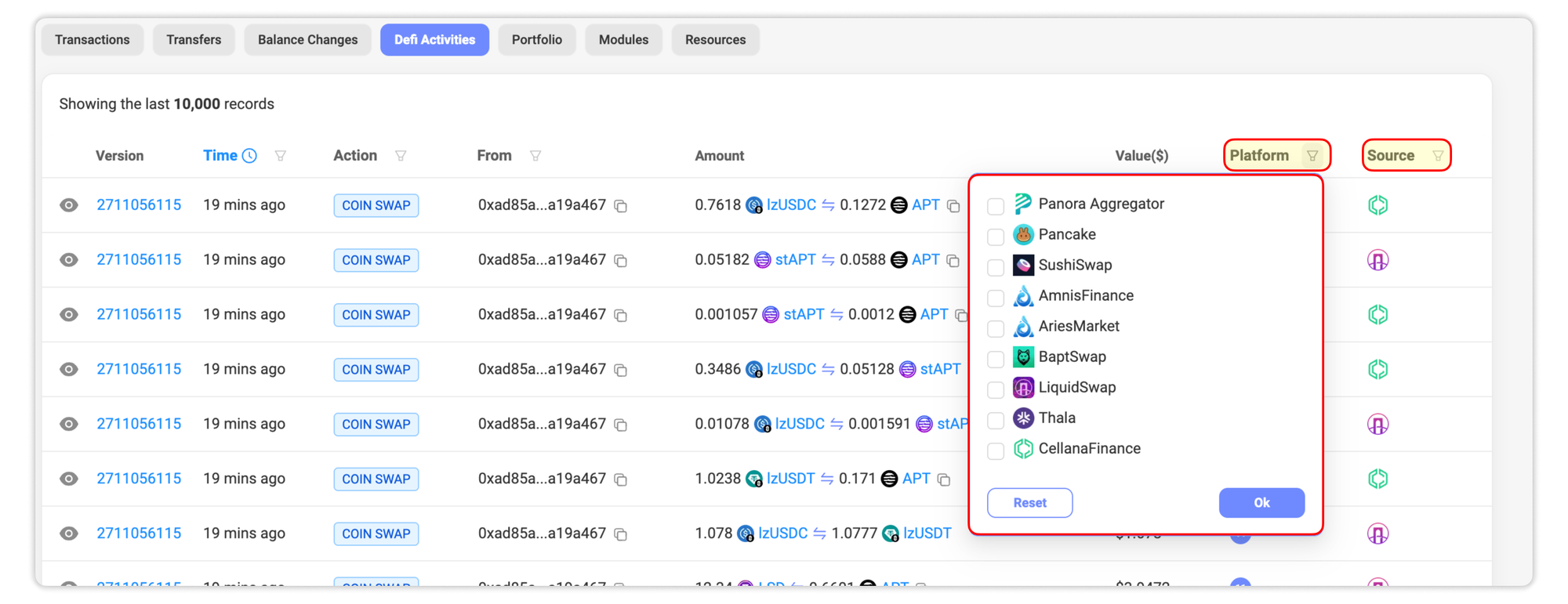
7. Platform and Source Filters
These filters help identify the platform used for the transaction and the route the transaction took. Use the Platform filter to see where users initiated their trading activity, and the Source filter to track the underlying routing program(s).
Tips for Effective Filtering
- Combine multiple filters to narrow down large sets of data, which helps pinpoint a specific transaction.
- Start with broader time ranges and refine as needed to avoid missing results.
Each activity tab in Aptoscan, such as Transactions, Transfers, Balance Changes, and Coin Activities, comes with its own set of filters tailored to the type of data shown on that page. Depending on what you're viewing, the available filters may vary to help you search more effectively.
This article will be kept up to date as new filters are added or existing ones are changed, so you can always refer back here for the latest information.