Etherscan is first and foremost a block explorer. You don't need a wallet to browse transactions, look up addresses, or read contract data. But a few Etherscan features let you act on the blockchain directly from the explorer, and those require connecting a wallet so you can sign a message or send a transaction.
This guide explains what happens when you connect your wallet on Etherscan, where you'll see the "Connect Wallet" button, and how to stay safe when you use it.
What Connecting a Wallet on Etherscan Does
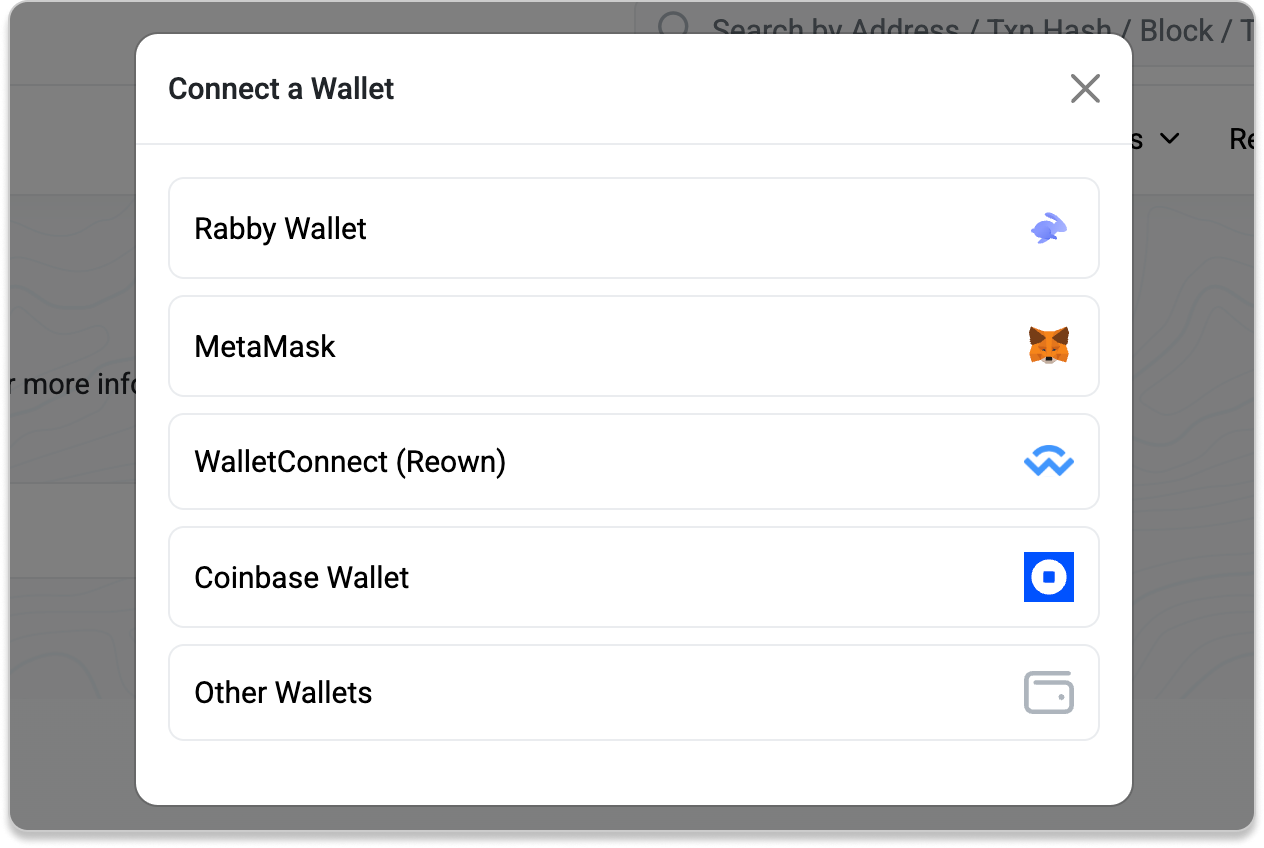
When you click Connect Wallet, your browser opens a connection between Etherscan's page and the wallet you choose (MetaMask, Rabby, WalletConnect-compatible wallets, and so on). The connection:
- Runs entirely in your browser, between the page and your wallet. Requests are sent directly from your browser, not through Etherscan's website servers.
- Does not give Etherscan access to your private keys or seed phrase, and does not let Etherscan move funds on its own.
- Does not automatically sign anything. Every signature or transaction still requires you to approve it in your wallet.
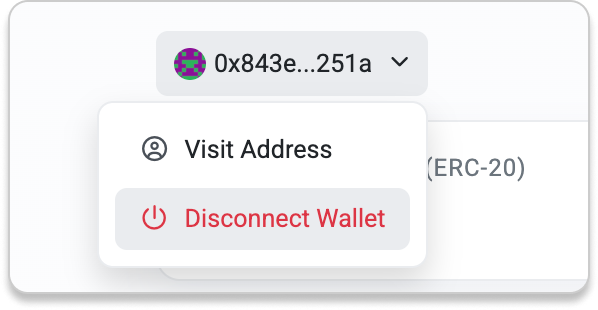
You can disconnect your wallet at any time.
Where You'll See "Connect Wallet" on Etherscan
Connecting a wallet on Etherscan is optional, and is only needed for features that require you to prove control of an address or interact with the blockchain. Common examples:
- Write Contract: Submit transactions that change state on a smart contract.
- Token Approval Checker: Review and revoke token allowances you previously granted.
- Verify Address Ownership: Prove you control a contract address so you can update details on the address page.
- Verified Signatures: Sign a message with your address and share a verifiable link.
- Input Data Messages (IDM): Send an onchain message from your address.
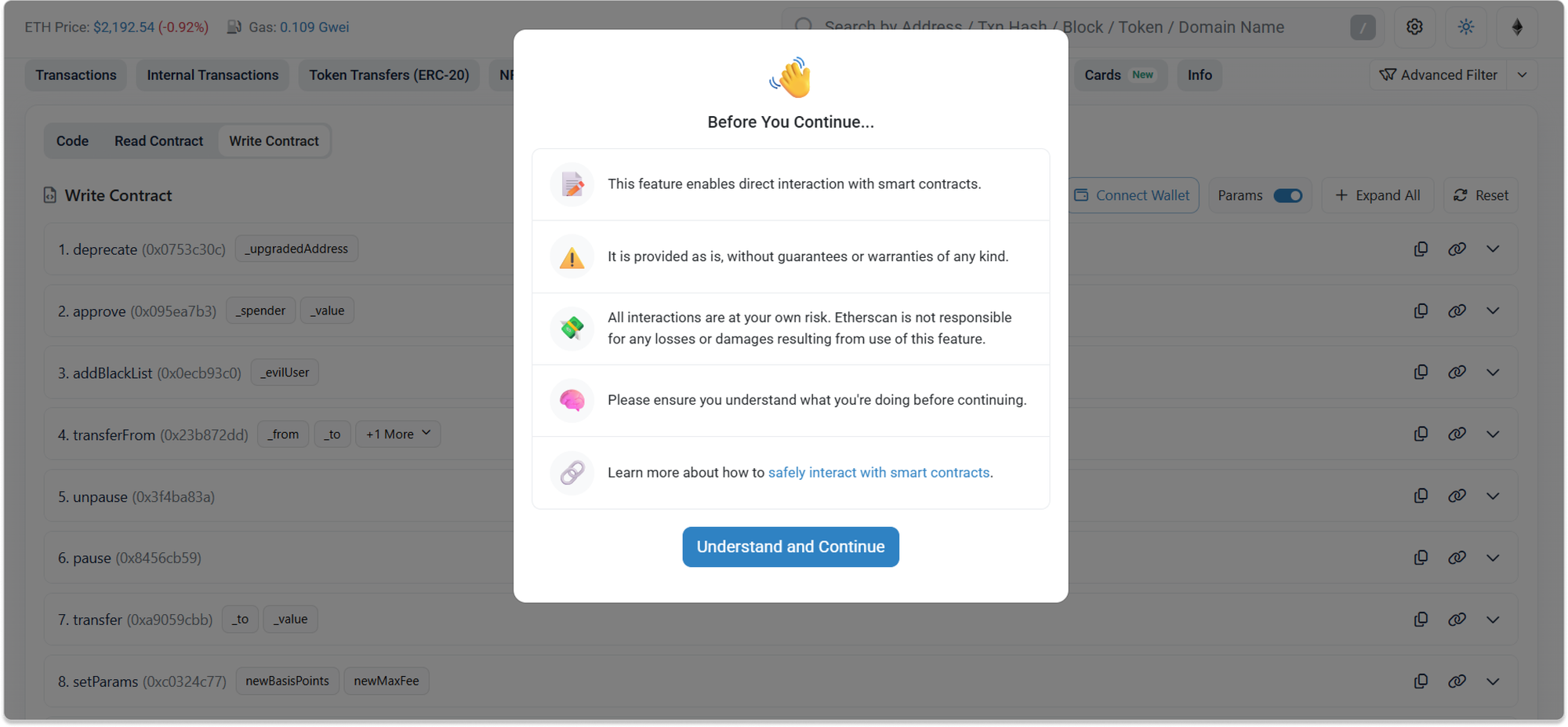
Before you use any of these features, you may see a Before You Continue window. Read it before proceeding.
Signing a Message vs. Signing a Transaction
The two things your wallet can be asked to do on Etherscan look similar, but they behave very differently.
- Signing a message does not cost gas and does not change the blockchain. It's used to prove you control an address, for example, in Verified Signatures or address verification.
- Signing a transaction costs gas, changes state onchain, and is usually irreversible once confirmed. This is what happens when you use Write Contract or revoke an approval. Treat every transaction prompt as a final step.
Learn more about how to safely interact with smart contracts on the explorer.
Final Reminder
Etherscan helps you inspect and explore onchain data, but it does not audit or guarantee the safety of the contracts you interact with or the messages you are asked to sign with your wallet. You are responsible for understanding every signature and transaction your wallet approves.
If something feels unclear or rushed, it is usually safer to pause and verify before proceeding.